

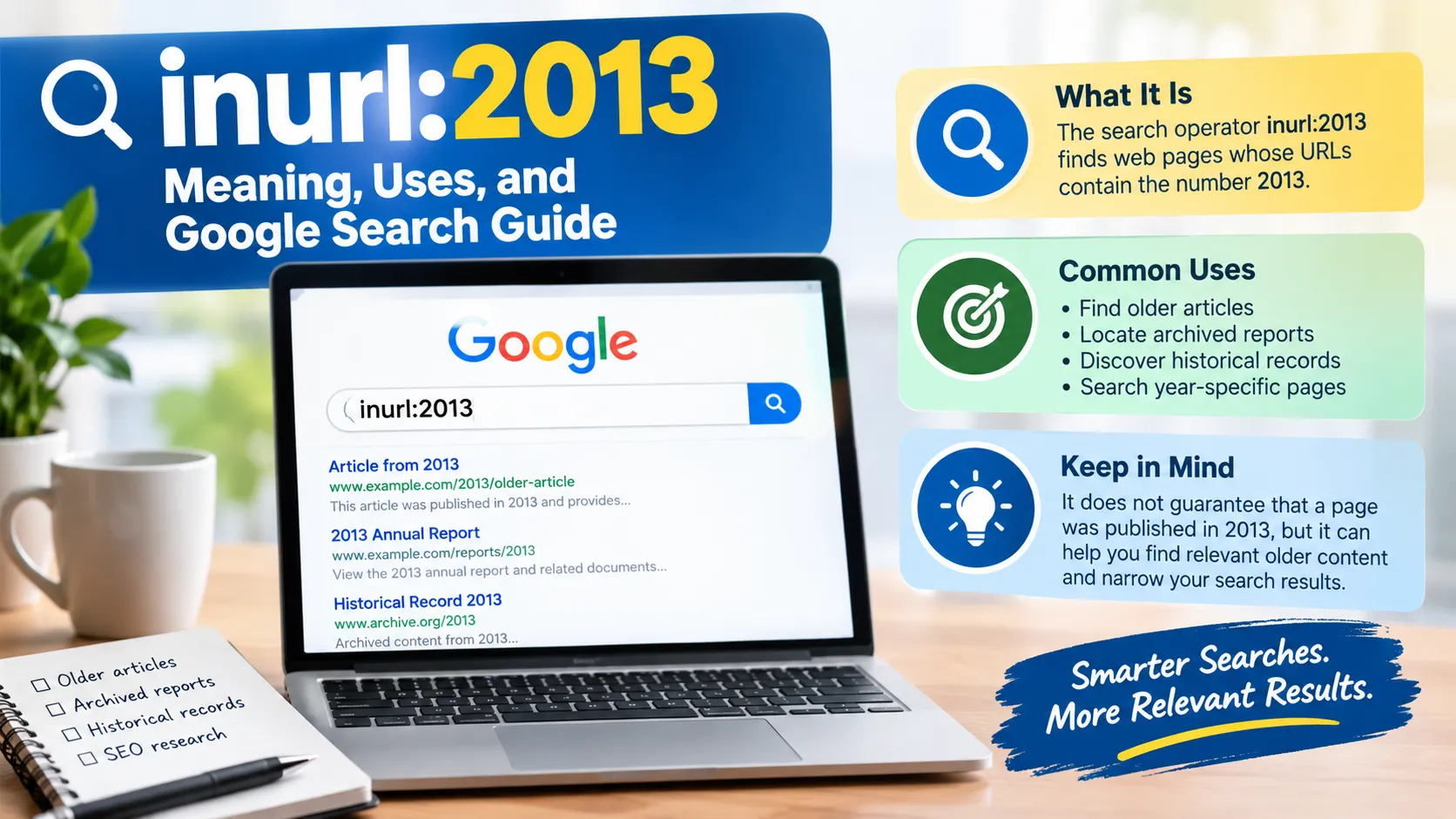
The search operator inurl:2013 is a Google search technique that helps users find web pages whose URLs contain the number 2013. It can be useful for locating older articles, archived reports, historical records, and pages associated with a particular year, although it does not guarantee that a page was published in 2013.
Understanding how inurl:2013 works can make searches more precise, especially when researching historical information, investigating older web content, or narrowing down results for search engine optimization (SEO).
What Does inurl:2013 Mean?
The search query inurl:2013 combines a URL search operator with the number 2013. The inurl: operator is used to find pages whose URLs contain a specified word or term, while 2013 identifies the number being searched for.
For example, a website might publish an article at a URL such as example.com/news/2013/technology-report. Searching for inurl:2013 may help surface pages with similar URL patterns, depending on how the search engine interprets the query.
The important distinction is that the operator searches URL information, not necessarily the publication date of the page.
How Does inurl:2013 Work?
The inurl: operator is designed to narrow search results according to terms found in page URLs. When you enter inurl:2013 into Google, you are asking it to find relevant results with the number 2013 in their URLs.
A URL is the web address used to access a page. It may contain a domain name, directories, a filename, a date, or a descriptive phrase. Website owners choose different URL structures, so the number 2013 can appear in several places.
Consider these hypothetical URLs:
| Example URL | Why it may match |
|---|---|
example.com/2013/technology | The URL contains 2013 as a directory. |
example.com/archive/2013-news | The number appears in a URL segment. |
example.com/reports/2013/annual-review | The number appears in the report path. |
example.com/article?id=2013 | The number appears in a URL parameter. |
These examples illustrate possible URL structures, not verified search results. Actual results depend on Google’s indexing and retrieval systems.
Google’s search operators have limitations, and results are not guaranteed to include every matching page. For website owners, Google Search Central recommends using Search Console’s URL Inspection tool when more reliable information about a particular URL’s indexing status is needed. Google Search Central’s documentation explains these limitations.
How to Use inurl:2013 in Google Search
Using the operator is straightforward. Open Google, enter the query into the search box, and review the results. You can also combine it with relevant keywords to make the search more specific.
1. Search for URLs Containing 2013
Enter this query:
inurl:2013
Google may return pages with URLs containing the specified number. This is a useful starting point when exploring older URL structures or looking for historical web content.
2. Find Historical Articles About a Topic
Combine the operator with a subject to narrow the results.
For example:
inurl:2013 technology
This query looks for pages associated with technology that also match the URL condition. The word technology can appear elsewhere on a page, so it does not necessarily have to be part of the URL.
Other useful examples include:
inurl:2013 sportsinurl:2013 entertainmentinurl:2013 businessinurl:2013 research
These searches can help researchers explore older content, although the presence of 2013 in a URL does not establish when the content was originally published.
3. Combine inurl:2013 With a Website Domain
If you want to focus on one website, combine the query with Google’s site: operator.
For example:
site:example.com inurl:2013
Replace example.com with the domain you want to investigate. This combination narrows the search to results associated with that website and matching the URL condition.
Google documents the site: operator in its official search operator guide. However, a search does not necessarily reveal every indexed page on a domain.
4. Find Pages Within a Specific Subject Area
You can combine inurl:2013 with more descriptive terms to find potentially relevant resources.
For example:
inurl:2013 annual report
This query may help locate annual reports or related documents whose URLs contain 2013. However, you should examine the actual report date because the URL alone does not confirm the document’s publication year.
Why Is inurl:2013 Useful for SEO?
For SEO professionals, inurl:2013 can be a starting point for investigating URL patterns, researching older content, and exploring how websites organize their archives. It is most useful when combined with a clear research objective rather than used as a standalone keyword.
Competitor Research
SEO professionals can examine competing websites to understand how their older pages were organized. For instance, adding a domain restriction and relevant subject terms may reveal historical articles, archive pages, or older resource directories.
This research can provide ideas for content organization, but search results should not be treated as a complete competitor inventory.
Content Research
Older pages can contain useful background information, historical statistics, product announcements, and references to discontinued services. Researchers can use URL-based searches to locate potentially relevant material and then verify its accuracy against original sources.
When historical accuracy matters, check the article’s publication date, update history, author, and cited documents.
URL Structure Analysis
The operator may help identify URL patterns that contain a year. These patterns can reveal whether a website uses dated directories, annual archives, or year-based article slugs.
However, inurl:2013 is not a technical website crawler. It cannot reliably inventory every URL, identify all broken links, or establish whether a website has duplicate-content problems.
Finding Older Resources
Some organizations preserve older reports and publications in year-based directories. Searching for a year in the URL can help locate those resources, especially when combined with terms such as report, archive, study, or publication.
For academic or official research, confirm the document’s identity and publication details before relying on it.
inurl:2013 vs. Other Google Search Operators
Different search operators help answer different questions. The best choice depends on whether you want to investigate a URL, restrict results to a website, find a phrase, or identify content from a particular period.
| Search operator | Main purpose | Example |
|---|---|---|
inurl:2013 | Find results matching a URL term | inurl:2013 technology |
site: | Restrict results to a website or URL prefix | site:example.com technology |
"exact phrase" | Search for an exact phrase | "annual report 2013" |
before: | Find results dated before a specified date | technology before:2014 |
after: | Find results dated after a specified date | technology after:2012 |
filetype:pdf | Search for PDF documents | technology report filetype:pdf |
Google documents several of these operators in its Search Help guide. Their availability and behavior can differ, so verify that a query works for your particular research task.
One distinction deserves special attention: inurl:2013 and before:2014 are not interchangeable. The former targets a URL term, while the latter applies a date-related search condition. Neither should be treated as definitive proof of a document’s original publication date.
Limitations of inurl:2013
Although the operator can be useful, it has several limitations that matter when interpreting search results.
A URL does not prove a publication date. A page containing 2013 in its address might have been published later, updated recently, or created as an archive for older material.
Search results are incomplete. Google does not guarantee that every relevant page will appear in a search. Some URLs may be unindexed, unavailable, or omitted from the returned results.
The operator is not a complete technical audit tool. It does not replace a website crawler, server log analysis, or Google Search Console when investigating technical SEO issues.
Search behavior can change. Google does not currently list every commonly discussed advanced operator in its main public documentation. Treat undocumented operator behavior as something to test rather than a permanent guarantee.
The number may have another meaning. In a URL, 2013 could refer to a product identifier, an account reference, a record number, or another value unrelated to a year.
To avoid misleading conclusions, inspect the actual pages and verify their dates and contents independently.
Best Practices for Using inurl:2013
To get more useful results, combine the operator with a specific topic, website, or document type. A focused query is generally more helpful than searching for the number alone.
For example, a researcher looking for historical company reports might try:
inurl:2013 company annual reportsite:example.com inurl:2013 financial reportinurl:2013 filetype:pdf research"2013 annual report" site:example.com
These are example queries, and their results will vary. The most effective approach is to test different combinations and verify relevant documents at their original sources.
For website owners checking their own pages, Google Search Console is a better choice for investigating a specific URL’s indexing status. Search operators are useful for exploratory research, but they should not replace dedicated diagnostic tools.
Frequently Asked Questions
1. What does inurl:2013 mean in Google?
inurl:2013 is a URL-based search query intended to find relevant pages whose URLs contain the number 2013. It can help locate older archives and historical resources, but it does not confirm that a page was published in that year.
2. Is inurl:2013 an official Google search operator?
inurl: is a widely used advanced search operator described in historical Google search documentation and third-party search guides. However, it is not currently listed among the main operators in Google’s public Search Help guide, so its behavior should be tested rather than assumed to be guaranteed.
3. Can inurl:2013 help with SEO?
Yes. SEO professionals can use it to explore dated URL patterns, research older content, and investigate competitors’ publicly indexed pages. It is a research aid, not a substitute for comprehensive SEO auditing tools.
4. Does inurl:2013 only show pages published in 2013?
No. The number can appear in a URL for reasons unrelated to publication dates. A page may have been created or updated after 2013, even if its address contains that number.
5. Can I combine inurl:2013 with other search operators?
Yes. You can combine it with operators such as site: and terms such as report, research, or technology to narrow your search. Results may vary depending on how Google processes the query.
6. Is inurl:2013 useful for finding archived web pages?
It can help locate pages with year-based URL structures, including some archive pages and historical reports. If you need to recover a missing or deleted page, you may also need a dedicated web archive or the original website’s records.
Also Read: inurl:continuity: Meaning and How to Use It in Google Search

1 Comment
Pingback: inurl:proceed: Meaning, Google Search Operator, and SEO Uses