

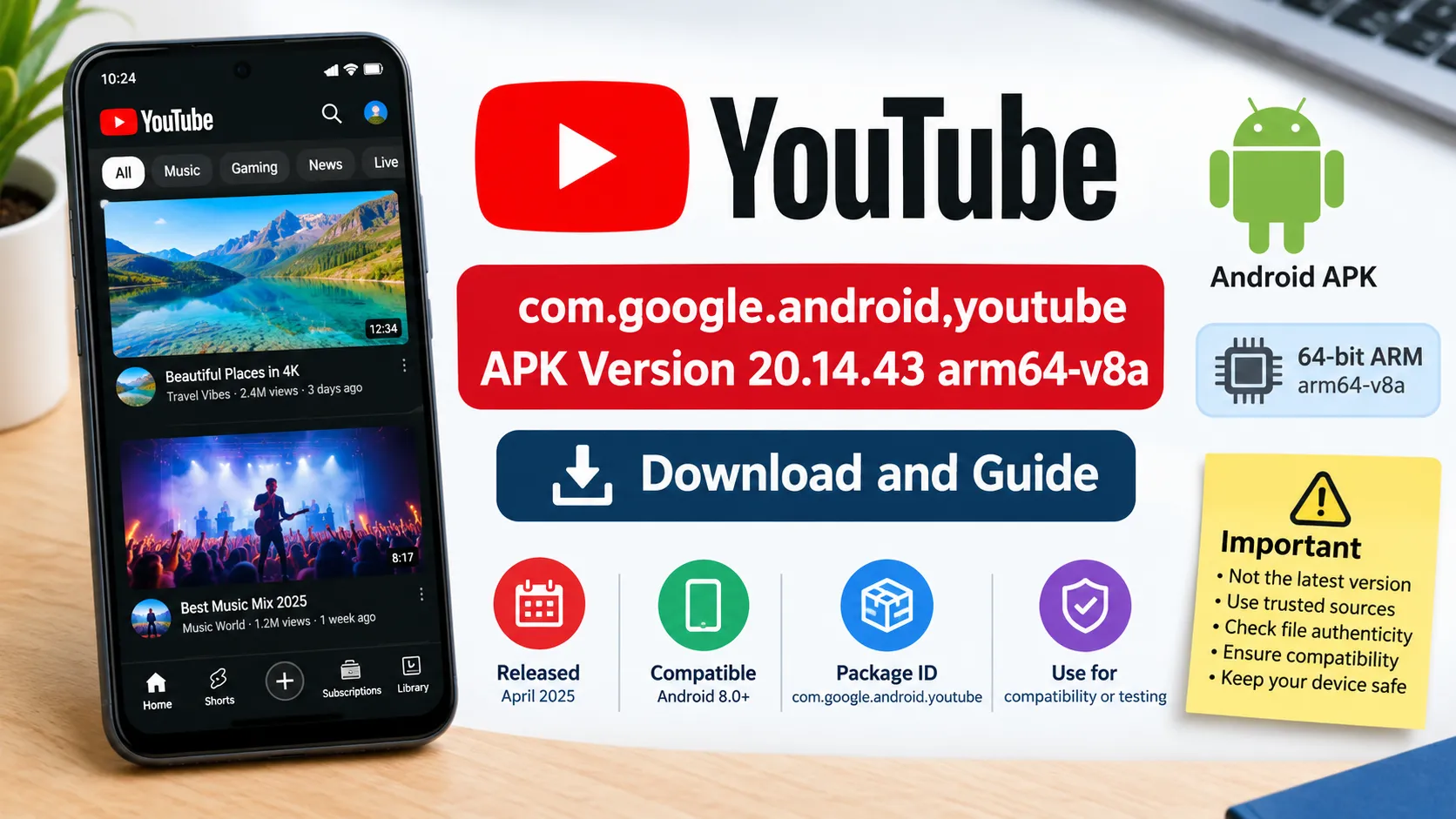
The com.google.android.youtube APK version 20.14.43 arm64-v8a is an Android installation package for Google’s YouTube app, released in April 2025. It uses the package identifier com.google.android.youtube, supports 64-bit ARM devices in the relevant variant, and is listed as compatible with Android 8.0 and newer.
This version may interest users who need a specific older YouTube release for compatibility or testing. However, it is not the latest version, and downloading an APK from a third-party website requires extra care with file authenticity, compatibility, and security.
What Is com.google.android.youtube APK 20.14.43?
This package refers to a particular release of the official YouTube Android application. The identifier com.google.android.youtube is the app’s Android package name, while 20.14.43 identifies its software version. The arm64-v8a label refers to a 64-bit ARM processor architecture supported by the corresponding APK variant.
APKMirror lists version 20.14.43 as uploaded on April 13, 2025, under Google LLC, with a minimum Android requirement of 8.0 (Oreo). APKPure also lists the release, dated April 12, 2025, illustrating a one-day difference in the displayed dates across repositories.
Here is a quick overview of the release.
| Specification | Details |
|---|---|
| Application | YouTube for Android |
| Package name | com.google.android.youtube |
| Version | 20.14.43 |
| Developer listed | Google LLC |
| Release date | April 12–13, 2025, depending on repository |
| Minimum Android version | Android 8.0 (Oreo), according to archived listings |
| ARM architecture | arm64-v8a |
| Package formats | APK and split APK/XAPK-style distributions, depending on source |
| Primary purpose | Watching, searching, sharing, and managing YouTube videos |
The precise download size depends on the selected variant and distribution format. A repository may offer a universal package, an architecture-specific package, or a bundle containing multiple split APK files.
What Does arm64-v8a Mean?
arm64-v8a is an Android application binary interface (ABI) for 64-bit ARM processors. It tells Android which native machine-code libraries are intended for a particular processor architecture. Google’s Android developer documentation distinguishes arm64-v8a from armeabi-v7a, which is the corresponding 32-bit ARM architecture.
This distinction matters when selecting an APK. A package built for the wrong architecture may fail to install or run correctly, although some Android devices support both 32-bit and 64-bit applications.
Before downloading the file, check your device’s Android version and processor compatibility. The phone’s Android version alone does not establish which APK architecture it supports.
Main Features of YouTube Version 20.14.43
Version 20.14.43 provides the core YouTube experience described in its archived listing. It is designed for watching videos, discovering creators, subscribing to channels, interacting with communities, and uploading content.
Its main functions include:
- Video streaming: Watch videos from creators, businesses, news organizations, and entertainment channels.
- Search and discovery: Find videos through search, recommendations, and topic-based browsing.
- Subscriptions: Follow channels and access their latest content through the Subscriptions tab.
- Watch history and saved content: Review previously watched videos and access liked or saved items.
- Comments and community interaction: Participate in discussions and engage with creators where features are available.
- Video uploads: Publish content directly from a supported mobile device.
- YouTube Premium integration: Access subscription benefits if eligible and subscribed.
The availability of individual features can depend on account settings, country, device, subscription status, and server-side changes. Installing an older APK does not guarantee that every historical feature or interface will remain available.
System Requirements and APK Specifications
The archived listing for YouTube 20.14.43 specifies Android 8.0 or later. Its universal bundle listing includes several processor architectures, while the architecture-specific components allow Android to select the appropriate native libraries.
| Requirement | Details |
|---|---|
| Android version | Android 8.0 or newer, according to the archived listing |
| Processor | Compatible ARM 64-bit device for the arm64-v8a variant |
| Storage | Sufficient free space for the download, installation, and app data |
| Internet | Required for online video streaming and most connected features |
| Google account | Needed for account-linked features such as subscriptions and personalized history |
| Installation format | Standard APK or a compatible split APK bundle |
| App identifier | com.google.android.youtube |
One important distinction is that Google’s current YouTube Help page says downloading the mobile app through its official installation route requires Android 9.0 or later. That current requirement differs from the Android 8.0 minimum listed for this historical release. Consequently, an older APK’s stated minimum requirement should not be interpreted as a guarantee that the app will still work fully on every supported operating system.
How to Download com.google.android.youtube APK Version 20.14.43 arm64-v8a
The safest option for most users is to install YouTube through Google Play. If you specifically need version 20.14.43 for testing or compatibility, you can consult its archived listing on a third-party APK repository.
Recommended for ordinary use. Google Play supplies a compatible release when available for your device.

Archived version 20.14.43
Review the release details, package format, signature information, and available variants before proceeding.
View YouTube 20.14.43 on APKMirror
Steps for Installing an APK
If you have a legitimate reason to install this older version, follow these general steps.
- Check your phone’s Android version and processor architecture in Settings.
- Open the archived release page and confirm that the package name and version match your requirements.
- Choose the appropriate package format. A standard APK and a bundle containing multiple split APK files are not interchangeable.
- Review the publisher’s signature information and verify the file’s integrity where a trusted reference hash is available.
- Download the file and follow Android’s installation prompts. If installation from a browser or file manager is blocked, review the relevant permission settings before proceeding.
- Open YouTube and test playback, account access, and other functions you need.
For a split APK bundle, you may need a compatible installer. APKMirror’s listing identifies APKMirror Installer as one option for its bundle format.
Avoid disabling Android security protections globally or granting unnecessary permissions simply to install an app.
Is YouTube APK Version 20.14.43 Safe?
The answer depends on the source and the file itself. An APK carrying YouTube’s package name is not automatically authentic, because a modified application can imitate the original package identifier.
APKMirror lists a Google-associated signing certificate fingerprint for version 20.14.43 and provides file hashes for checking integrity. Those details are useful for verification, but you should compare the downloaded file against the correct reference for the exact variant.
For a safer installation:
- Prefer Google Play whenever possible.
- Download archived releases only from established repositories.
- Check the package signature and compare its fingerprint with a trusted reference.
- Treat unexpected permission requests, modified branding, or claims of unlocked paid features as warning signs.
- Keep Android security protections enabled.
- Avoid entering your Google credentials into a separate app or website claiming to provide an APK.
A matching hash confirms that a file matches the referenced file; it does not independently prove that the software is free of every vulnerability. Likewise, an authentic older release may still lack security fixes introduced in subsequent updates.
Why Install an Older YouTube APK?
Some users need an older release to reproduce a software issue, test an application, or investigate compatibility on a particular device. Others may prefer a previous interface or have a specific technical reason to preserve a known version.
However, installing version 20.14.43 is not generally the best approach for everyday viewing in 2026. Newer releases may contain bug fixes, performance improvements, security updates, and changes required for compatibility with current Android services. Google recommends keeping YouTube updated for the best experience.
An older app may also encounter server-side changes that cannot be resolved by reinstalling the same APK. If the application stops playing videos or signing in, updating to a supported version is usually the most practical solution.
Common Installation Problems and Solutions
| Problem | Possible reason | What to do |
|---|---|---|
| App not installed | Incompatible package, insufficient storage, or signature conflict | Confirm compatibility, free storage, and use a trusted matching package |
| Parse error | Corrupt download or unsupported APK format | Download the correct file again and verify its format |
| App conflicts with existing YouTube | The installed version has a different signing certificate | Avoid removing a system app without understanding the consequences; use the official update route where possible |
| Split APK installation fails | Required split files are missing or the installer is incompatible | Obtain the complete matching bundle and use a compatible installer |
| YouTube crashes | App or operating system incompatibility | Restart the device, clear the app cache, or update to a supported version |
| Videos do not play | Network problems, outdated app components, or service-side restrictions | Check the connection and try the current official app |
| Sign-in fails | Compatibility or account-related problem | Check Google account access and update the app if necessary |
If YouTube came preinstalled on your phone, uninstalling updates may restore an earlier system version rather than remove the application completely. Back up important information and understand the implications before making system-level changes.
Frequently Asked Questions
1. What is com.google.android.youtube APK version 20.14.43?
It is an archived release of Google’s YouTube Android application, identified by package name com.google.android.youtube and version number 20.14.43. Third-party listings date the release to April 12–13, 2025.
2. Does YouTube 20.14.43 arm64-v8a support Android 8?
The archived release listing specifies Android 8.0 or later. Actual installation and functionality can still depend on the selected variant, device compatibility, and changes to Google’s services.
3. How large is the YouTube 20.14.43 APK?
The size varies by format. APKMirror lists a 138.41 MB universal bundle and a separate 151.11 MB nodpi APK listing. Architecture-specific components and split packages have different sizes, so check the exact download page rather than assuming every variant has the same size.
4. Is arm64-v8a the same as armeabi-v7a?
No. arm64-v8a is the 64-bit ARM architecture, while armeabi-v7a is the 32-bit ARM architecture. Android devices and app packages can differ in which architectures they support.
5. Can I update YouTube after installing version 20.14.43?
Yes, provided the device and installed package are compatible with the available update. Google Play is the recommended way to update the official application. If an update fails because of a signing conflict or a modified package, you may need to resolve the installation issue first.
6. Should I use version 20.14.43 or the latest YouTube version?
For ordinary use, the current compatible version from Google Play is preferable because it can include newer fixes and security improvements. Version 20.14.43 is mainly relevant when a specific older release is needed for testing, troubleshooting, or compatibility purposes.
Also Read: inurl:qty: What the Search Query Means and Why Results Look Strange
