

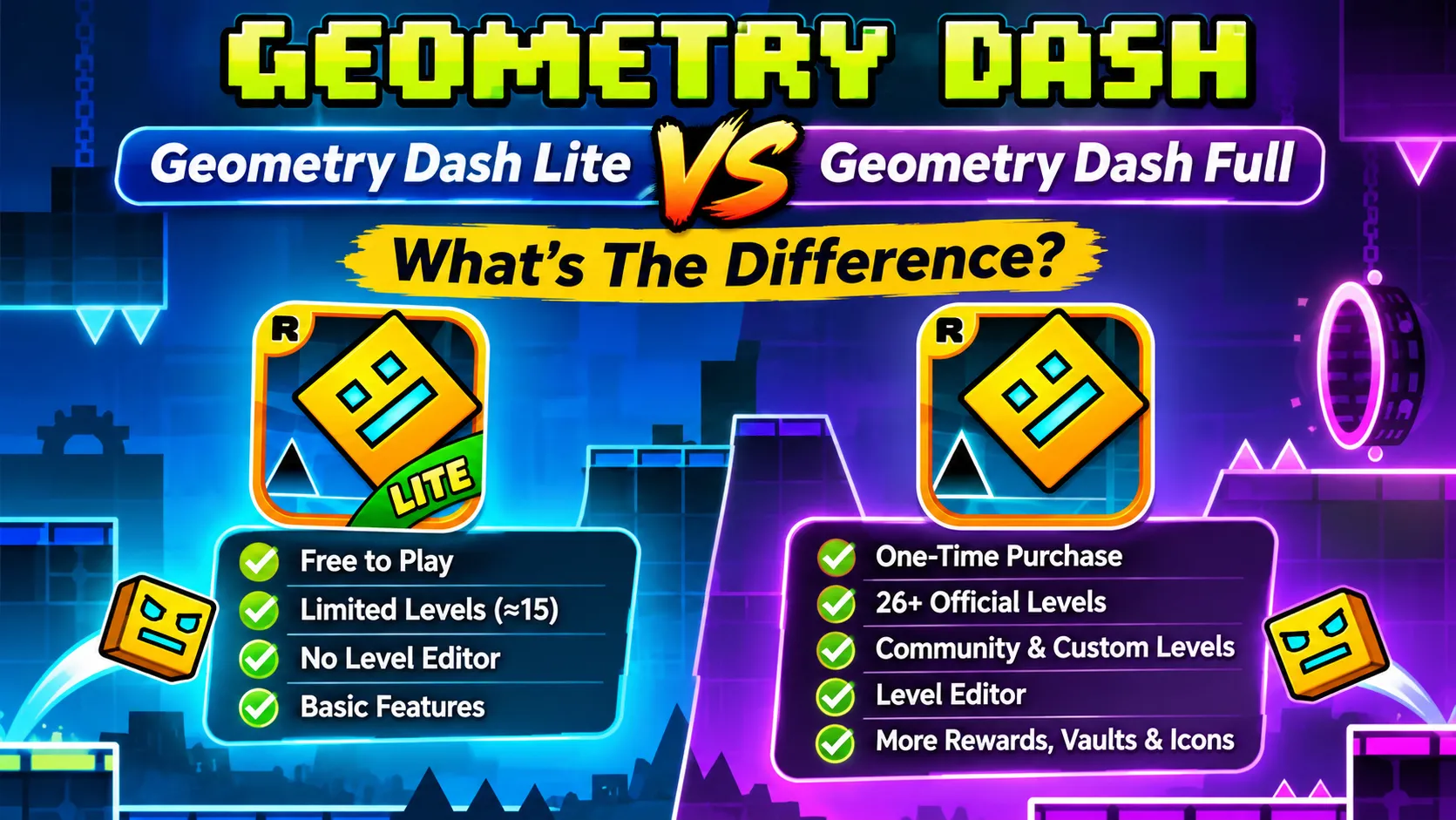
Anyone who decides to play with the rhythms of geometry dash stands first at the stage of thinking what to do? Should they stick to the lite, free version of the game or is it worth purchasing the full version of the game? Now a good explanation about both of these games can help anybody to decide what they should do. Robert Topala created both versions and both the games provide the same basic gameplay, move with the beat.
Well, today’s guide is a detailed look at both versions of the game, after going through it users will have enough knowledge about the game and they can get the clarity of mind of what they should do next. So let’s start;
Core Overview
Geometry Dash Lite
This version of the game lies beyond the financial commitment. It serves as a gateway to the full version game by sharing the same core features of the full version. This version is absolutely free from start to end and works best as the testing platform for users to taste the gameplay of the geometry dash web version.
Geometry Dash Full Game
In this version of the game, one time purchase is necessary to continue playing the game. Purchasing the game unlocks all the items and stages instantly when users make a purchase of any package. Here players will experience an ad free gameplay and the community generated unlimited levels.
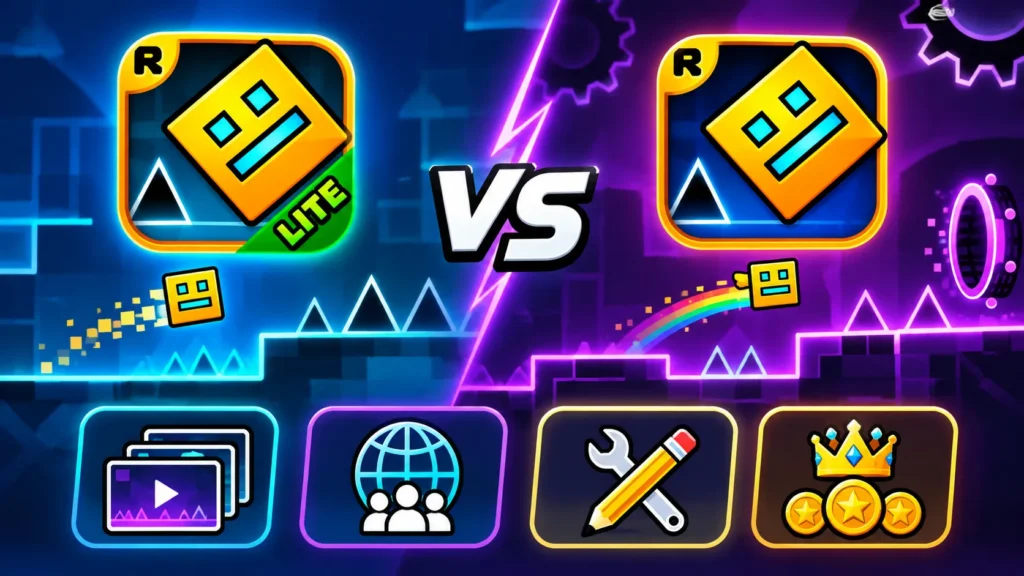
Key Differences
1) Official Level Availability
Both versions feature the official Robtop level but the lite version has some handpick selection of stages around 15 main, that are from early stages to some hard ones giving players a good idea about how they can improve in the full game version. Whereas on the full game version there are 26+ main stages including fast paced levels like Fingerdash, Electrodynamix, Deadlock etc.
2) Community Access and Online Custom Levels
Here comes the biggest difference between both versions of the game. Geometry dash lite limits players to a fixed number of official stages, without having any access to any new content. Whereas the full version provides players access to an unlimited levels list of the game, it includes both the official creators levels and the hundreds of custom player stages. The players of the full version can enjoy the relaxing level of auto play to intense and extreme demon level which needs a great amount of effort to get clear. You can also play geometry dash meltdown pc.
3) The Level Editor Tool
Well this is also a drawback that you will face in the lite version of the game. The basic gameplay of the lite version of the game doesn’t allow the players to have any access to this level editor tool. The level editor tool is an additional layer of fun in the game where players apart from clearing the already made stages, can also create a new level of their own and set it for the other players of the game to complete. This feature is only available in the full version of the game.
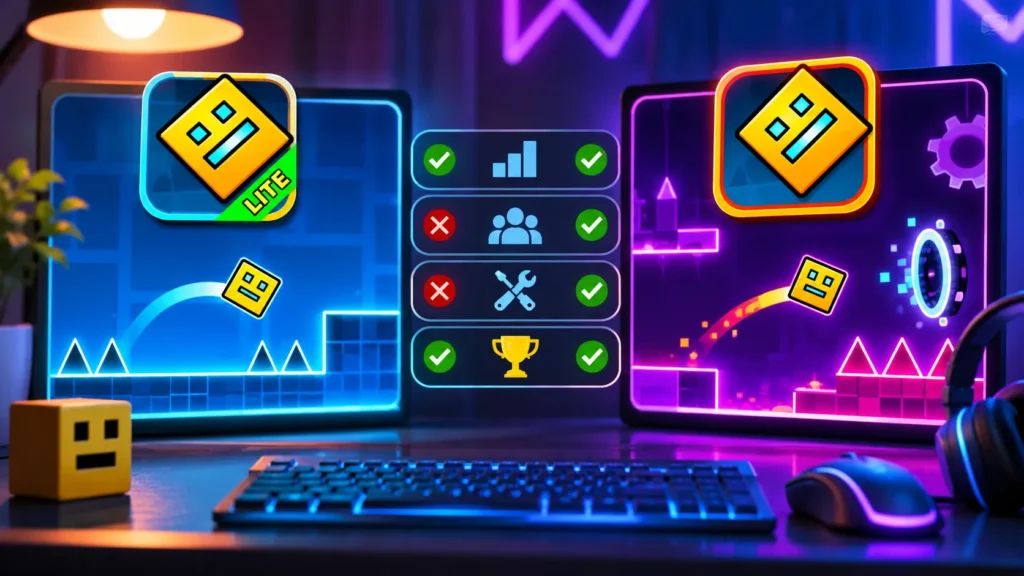
4) Secrets, Vaults and Progression Mechanics
Players will find these in both versions of the game, but the difference comes in the range of provision. The full version of the game expands the rewards and gifts items provision significantly. Her players can access the secret interactive vaults, hidden passcodes inputs and some of the deeper achievements tiers providing players hundreds of unlock icons, custom ships, death effects. While there is no such extension in the lIte version of the game.
If you are playing the full version of the game and want to learn how you can make a stage of your own then check our guide about How to create aLevel in Geometry Dash here.
Reference Box
● Robtop studio created both of the games
● Lite version shows nonintrusive ads and is overall free to play
● Full version requires purchases
● Level editor, access to custom levels are only available in full version
Conclusion
Whether to go for the lite version or the full game depends on your mood and what you want next. I mean if you want to keep on playing the game and want to progress to the final stage then it’s a better idea to purchase but if you want to play the game for once, or looking for something light to kill time then the lite version of the game is the option to go for. But Geometry Dash whether in full version or in lite version never disappoints the players and entertains them to a great level. With the full version you can enjoy the online as well the offline game play and the stage creating tool whereas you cannot do it on the lite version. So whatever version you decide, quickly open it and start your journey of Geometry Dash right now!
FAQs
Can I transfer my progress from the lite to the full game in Geometry Dash?
Yes. if any players decide to upgrade the game from the lite version to the full version of the game they can do so and they don’t have to stress about losing their progress of the lite version, after the upgrade they can continue playing the game from where they stopped just some new features will unlock.
Is the full version a subscription or a one time purchase?
The geometry dash is a single one time purchase game. Once you have bought the game you can access all the features of it and also the future updates of the game. No one has to keep on paying for anything new that launches in the game.
Does the full version of the game contain any microtransaction?
Absolutely not. The game requires you to just pay for once to get the full version after that there is no money involved anywhere. Players don’t have to worry about facing any kind of microtransactions at all because the game doesn’t require any of them at all.
Also, Read: Poki
