


HRMS Globex is an employee-facing human resource management portal accessible at hrms.theglobex.com. Its public login page asks for a username, password, and CAPTCHA, while a separate recovery page helps users who have forgotten their passwords. Access is intended for people with credentials provided by their organization.
Online guides also describe payroll and recruitment features, but those claims cannot all be verified publicly. Employees need reliable instructions, not assumptions.
What Is HRMS Globex?
HRMS stands for Human Resource Management System, software organizations use to administer employment-related processes. HRMS Globex appears to be primarily an employer-managed portal, not an open service where anyone can register and buy a subscription.
The strongest evidence comes from its working authentication pages and historical employee documents hosted on the same domain. A July 2021 employee review guide describes accessing appraisal letters and acknowledging performance reviews through HRMS.
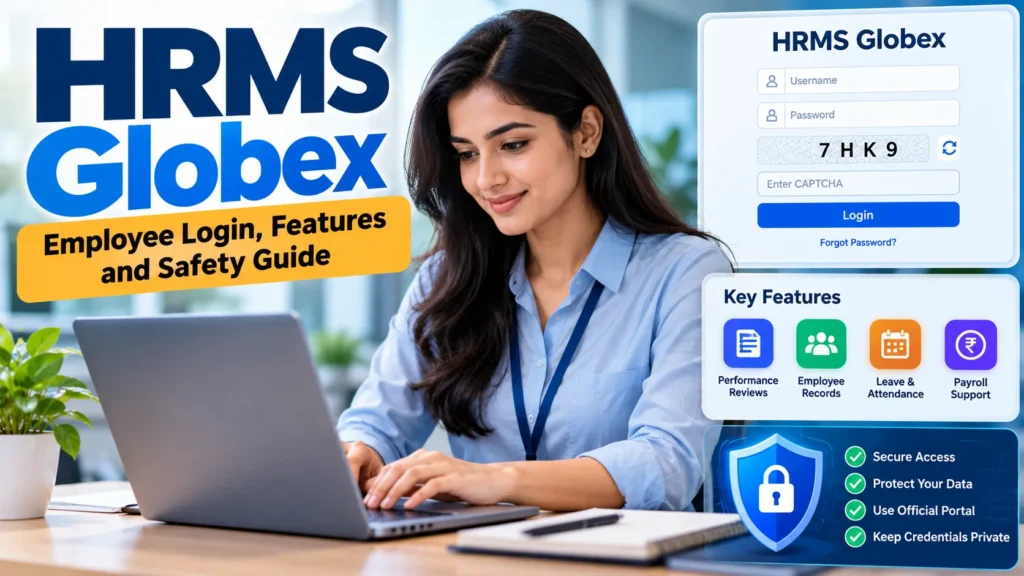
The full dashboard requires login, so its current menus cannot be completely verified publicly.
HRMS Globex Login: How to Access Your Account
The accessible employee login page is https://hrms.theglobex.com/Web/Default.aspx. Employees should still confirm the address with their employer before entering sensitive credentials, especially if they received a link through an unexpected message.

To sign in:
- Open the employer-confirmed HRMS Globex portal.
- Enter the username assigned to your account.
- Type your password carefully.
- Enter the characters shown in the CAPTCHA field. Refresh the challenge if necessary.
- Submit the form and use the services enabled for your account.
CAPTCHA characters change, so codes shown in screenshots or tutorials will not work.
There is no public self-registration option visible on the login screen. If you are a new employee without an account, ask your organization’s HR or IT department how credentials are issued. Do not attempt to create an account through a similarly named third-party website.
How to Reset an HRMS Globex Password
The portal provides a Forgot Password page. Unlike services that begin recovery with an email address, the visible Globex form asks for an Employee Code and a CAPTCHA.
Open the recovery link from the login page, enter your employee code, complete the CAPTCHA, and follow the system’s instructions. The public form doesn’t cover every subsequent recovery step, so it would be misleading to promise that an email link or one-time code is always sent.
If you don’t know your employee code, or the process doesn’t recognize your details, contact an authorized HR representative or system administrator. Never send your password to someone offering account recovery through social media or an unrelated website.
Which HRMS Globex Features Are Verified?
The clearest public evidence concerns login, account recovery, and employee performance management. Other functions may be offered to specific users, but public pages cannot confirm their availability across all accounts.
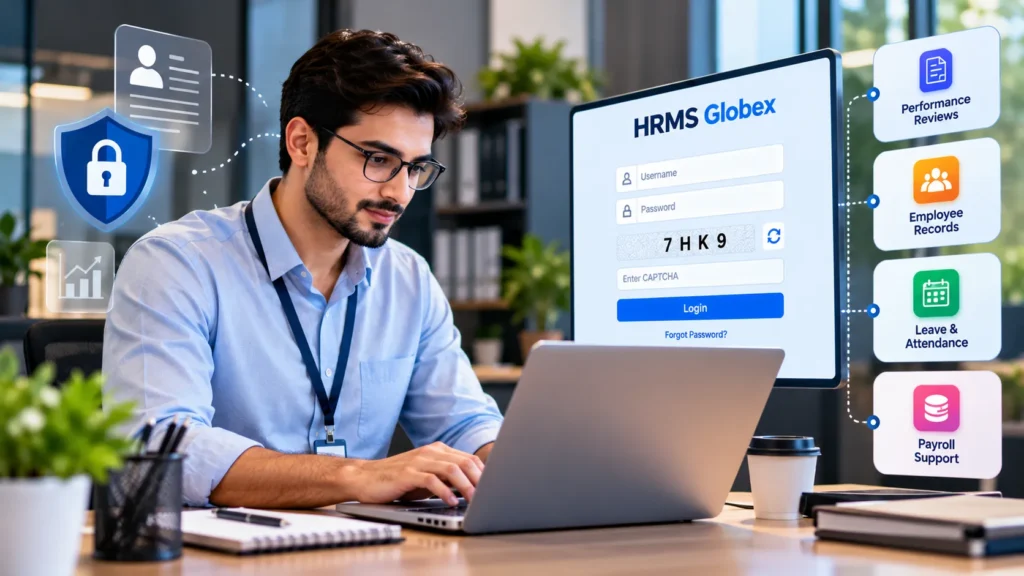
| Function | What the evidence establishes |
|---|---|
| Employee login | Username, password and CAPTCHA fields are visible |
| Password recovery | Employee Code and CAPTCHA fields are visible |
| Performance reviews | Documented in historical HRMS guidance |
| Appraisal letters | Documented for a 2021 review cycle |
| Payroll and payslips | Current availability not independently confirmed |
| Attendance and leave | Current availability not independently confirmed |
| Recruitment or benefits | Current availability not independently confirmed |
This distinction matters because HRMS names a broad software category, not a guarantee that every HR function exists in a particular employer’s portal. Access may also vary by role or review cycle.
What the Performance Review Documents Show
The 2021 guide covers the review period from July 2020 to June 2021. It shows employees how to view an appraisal letter and acknowledge a review. The historical screenshots include an employee area and sections labeled E-documents, Requests, Reports, and Help-Desk.
Those screenshots show an earlier interface, not proof that the same menus appear today. The manual also tells employees who cannot see an expected appraisal letter to contact their manager or HR. Current policies may differ.
Is HRMS Globex Connected to Global Healthcare?
Historical documents hosted on the portal identify Global Healthcare Billing Partners Pvt Ltd as connected to employee appraisal processes. The company itself is independently identifiable: its Bloomberg Legal Entity Identifier record lists Global Healthcare Billing Partners Private Limited as an active Indian legal entity.
These records support a connection between the HRMS environment and the business. They do not, by themselves, prove who developed the software, who owns every similarly named domain, or whether the portal is sold commercially to other organizations.
Employees should therefore rely on their employer’s confirmed HRMS instructions rather than assuming that any website using the name Globex belongs to the same organization.
HRMS Globex vs. HRMSGlobex.com
Two easily confused web addresses appear in online discussions. The employee portal is hosted at hrms.theglobex.com. A separate website at hrmsglobex.com describes an all-in-one HR software offering, and lists functions such as payroll, attendance, leave, and recruitment.
The public material does not establish that the second website operates the employee portal. Similar branding is not enough to demonstrate common ownership or technical integration. If your workplace has provided the theglobex.com address, do not enter your credentials on another site merely because its name resembles HRMS Globex.
Common Login Problems and Practical Fixes
Check common causes before assuming a system outage.
| Problem | What to try |
|---|---|
| Login rejected | Recheck username, password, capitalization and spaces |
| CAPTCHA unclear | Refresh it and enter the newly displayed characters |
| Password forgotten | Use the portal’s Forgot Password page |
| Employee code unknown | Ask your employer’s HR or IT team |
| Appraisal option missing | Check review eligibility or permissions with HR |
| Page will not open | Confirm the URL and test your network or browser |
Avoid repeated password guesses if your employer has an account-lockout policy. If the portal displays an error, share the message with authorized support without disclosing your password.
Is HRMS Globex Safe to Use?
A real login page and an HTTPS connection are useful signs, but they don’t independently verify the portal’s entire security program. Public evidence does not show that the HRMS software itself holds specific security certifications or uses protections such as multifactor authentication.
Use a trusted device, keep passwords private, and log out after accessing employment information on a shared computer. Check the full domain before signing in, and be suspicious of messages asking you to disclose credentials. Appraisal letters and other employee records may contain confidential information, so download or share them only according to your workplace’s rules.
Is There a Mobile App or Public Pricing?
No dedicated official HRMS Globex mobile app or publicly verified subscription price was established from the employee portal. Likewise, the visible pages do not provide open sign-up, plan comparisons, or sales checkout.
Internal arrangements may differ, so verify app links and pricing claims with the operator.
FAQs
Can anyone register for HRMS Globex?
No public registration form is visible on the employee login page. Access appears to be managed through organizations that issue credentials to authorized users.
Can I download my salary slip from HRMS Globex?
Some third-party articles describe payslip access, but the current public portal does not confirm that feature for every account. Ask your HR team where official salary documents are available.
Why can’t I see my appraisal letter?
The historical review guide directs eligible employees to their manager or HR when an expected appraisal letter is missing. Your current review status and account permissions should be checked internally.
Does HRMS Globex have an official app?
An official dedicated mobile application could not be reliably established from the accessible primary sources. Use only a mobile link or app specifically approved by your employer.
Which website should I use for HRMS Globex login?
The verified employee login is hosted at hrms.theglobex.com. Confirm that this is also the address supplied by your organization before entering your account details.
Also, Read: Twilight: Breaking Dawn Part 2 Cast and Characters

1 Comment
Pingback: ServSafe Practice Test 2026: Questions, Answers & Tips -