


PointClickCare is a cloud-based healthcare software platform that helps care organizations manage electronic health records (EHRs), clinical documentation, billing, and care coordination. It is widely used in skilled nursing facilities and senior living, but it also serves hospitals, health plans, and other healthcare providers.
For employees searching for PointClickCare login information, the safest starting point is the official customer login page. Knowing which product your organization uses matters, because access and available features vary.
What Is PointClickCare?
PointClickCare is a North American healthcare technology company whose software connects clinical information with administrative workflows. Rather than functioning as a personal health app, its primary products are designed for organizations and their authorized staff.
According to its company overview, PointClickCare serves more than 30,000 provider organizations. That is a company-reported figure, not an independently audited count. Its co-founder and CEO is Dave Wessinger.
Who Uses PointClickCare Software?
In skilled nursing facilities, nurses and other care staff use relevant modules to review resident information, document care, and coordinate tasks. Administrators may use reporting, billing, and operational tools, while authorized practitioners access the information they need for clinical decisions.
Senior living communities use purpose-built workflows for resident services and documentation. Hospitals, health plans, and organizations coordinating care across settings may use different PointClickCare solutions. A nurse’s screen, therefore, will not necessarily resemble an administrator’s, and not every customer purchases the same modules.
Key Features of PointClickCare
The software offers several connected functions, but their availability depends on the organization’s configuration and subscription.
| Feature | What it helps staff do |
|---|---|
| EHR and clinical documentation | Record care plans, diagnoses, vital signs, and clinical notes |
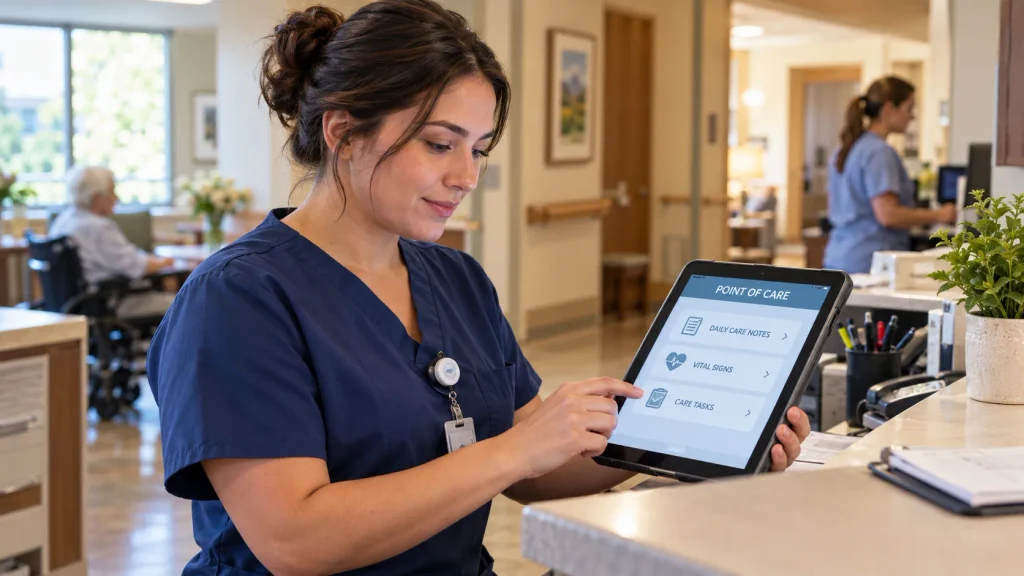
| Point of Care (POC) | Document residents’ daily activities and care near the bedside |
| Medication management | Coordinate medication orders and pharmacy-related workflows |
| Billing and revenue cycle | Manage claims, collections, and financial processes |
| Care coordination | Share relevant information during transfers and transitions |
PointClickCare’s skilled nursing EHR page describes clinical documentation, revenue-cycle management, order management, and care transitions. Its dedicated Point of Care product supports recording activities of daily living, attendance, and vital signs through supported devices or kiosks.
POC is not simply another name for the entire PointClickCare platform. It is a specific documentation tool within the broader product ecosystem.
For regulated nursing facilities, the Minimum Data Set (MDS) is another important concept. MDS is the standardized resident assessment framework administered by the US Centers for Medicare & Medicaid Services (CMS). Software can assist with documentation and submissions, but using it does not automatically ensure regulatory compliance.
How Does PointClickCare Work?
A typical workflow begins when an authorized employee signs in with organization-issued credentials. The system presents information and tasks permitted by that employee’s role. For example, a caregiver might document an activity while a clinical manager reviews resident records or reports.
Connected modules can reduce repeated data entry and help different teams work from relevant information. However, accurate records still depend on trained staff, correct permissions, reliable connectivity, and appropriate clinical oversight.
PointClickCare Login: Where to Sign In
Visit pointclickcare.com/login, which offers separate Senior Care Login and Provider/Health Plan Login options. Choose the route your employer or organization has assigned, then follow its approved sign-in process.
PointClickCare access is not a general public registration service. Employees ordinarily receive credentials and permissions through their workplace. Avoid entering passwords on unofficial pages that imitate the brand, and do not share account details with colleagues.
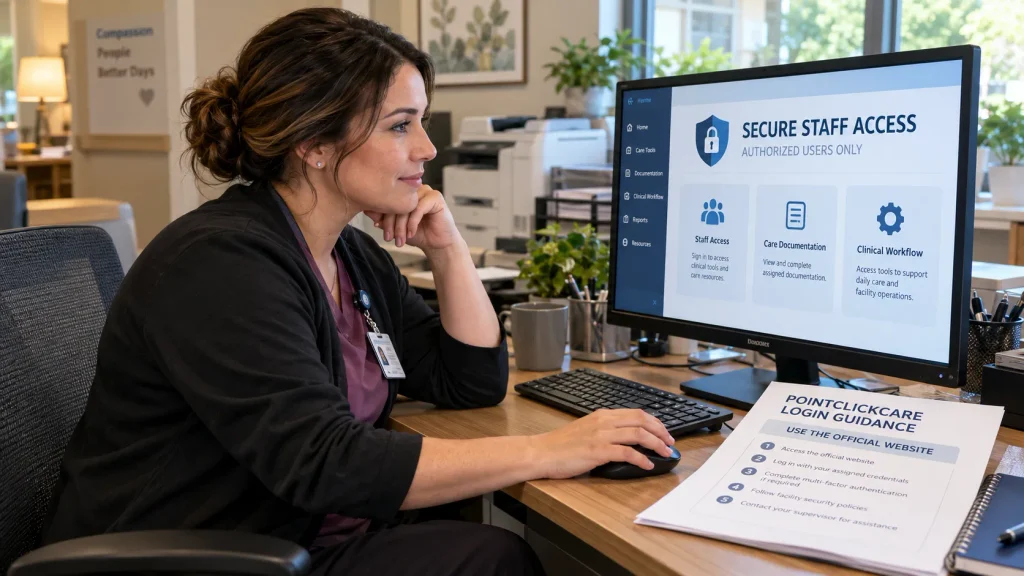
Some administrator and remote-user accounts require multifactor authentication, which adds a verification step beyond the password. Follow your organization’s approved authenticator setup instructions. Signing in successfully does not automatically provide access to every resident record or administrative function.
What If Your Login Does Not Work?
PointClickCare’s support guidance identifies several possible causes, including incorrect credentials, browser or connection problems, and restrictions on the network location used to sign in.
If you have forgotten your password, contact your facility’s security administrator, IT help desk, or on-duty supervisor. PointClickCare states that its support team cannot reset facility usernames or passwords. An error saying a login is invalid from the current location can reflect network or IP-address restrictions, so ask your administrator rather than trying to bypass them.
Benefits, Limitations and Data Security
Potential advantages include having clinical information and operational tasks in connected systems, reducing duplicate documentation, and supporting communication between care teams. The actual experience depends on implementation, training, available integrations, and the modules a facility uses.
Limitations can include training requirements, dependence on connectivity, access restrictions, and differences between purchased products. Organizations should assess reporting needs and workflow suitability before committing to a system.
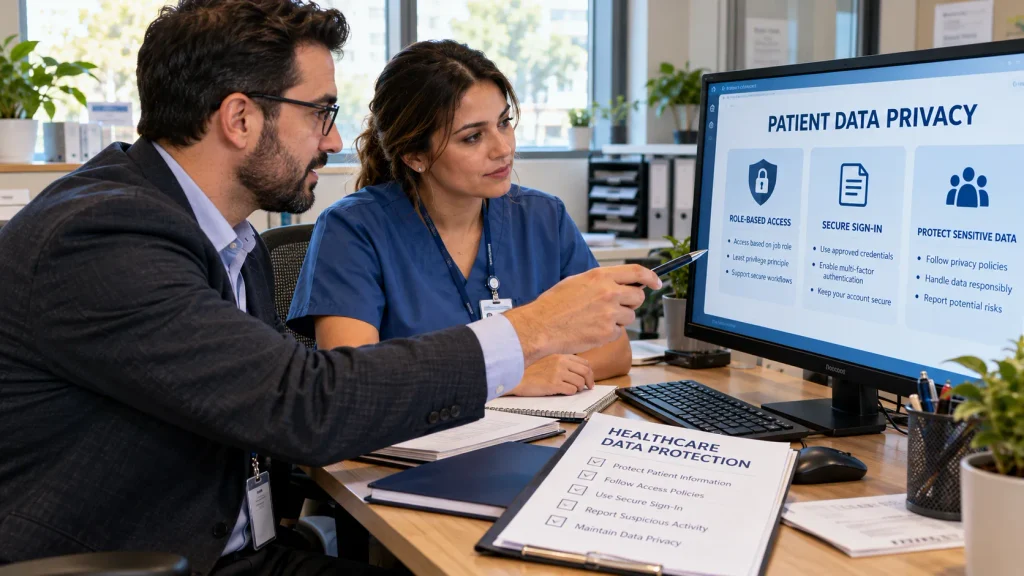
PointClickCare’s Trust Center publishes information about security controls, audits, and certifications. Because healthcare systems may handle protected health information, organizations also need appropriate privacy procedures and staff access controls. Published safeguards should not be interpreted as a guarantee that every deployment is risk-free.
Pricing and Alternatives
PointClickCare does not provide a verified universal subscription price in its public product information. Organizations can request a tailored demonstration and discuss licensing, integrations, implementation, and support requirements with sales staff.
MatrixCare and WellSky are other software providers organizations may evaluate. A useful comparison should consider facility type, clinical workflows, interoperability, total costs, training, and vendor support rather than relying on a single review score.
What’s New With PointClickCare in 2026?
On August 12, 2026, PointClickCare announced the limited-availability launch of Vox Advantage, an AI-assisted voice documentation solution integrated with its Senior Care EHR. Limited availability does not mean every customer can use it.
On October 20, 2026, PointClickCare and The Springs Living announced a co-development partnership focused on connected senior living technology. The announcement describes planned implementation and development, not a completed industry-wide rollout.
FAQs
Is PointClickCare an EHR?
Yes. Its skilled nursing and senior living offerings include electronic health record functionality. The company’s broader portfolio also covers care coordination, operations, and other healthcare technology services.
Can CNAs Use PointClickCare?
Certified nursing assistants may use authorized PointClickCare functions to document daily resident care. Their access depends on the facility’s assigned roles and permissions.
Can Patients or Families Sign Up Directly?
Participating healthcare organizations generally manage PointClickCare’s employee-facing EHR access. Families should ask their care provider about any available communication or resident-facing services.
Does PointClickCare Work on Mobile Devices?
Certain products, including Point of Care, support mobile-enabled workflows. Device compatibility and access rules depend on the application and the organization’s configuration.
How Can I Check Whether PointClickCare Is Down?
Consult the official service-status page and your facility’s IT team. A local network or account problem may occur even when the wider service is operating.
Also, Read: Voozon.com

1 Comment
Pingback: Reacher Season 4 Release Date and Episode Schedule -