

A website that worked well in 2022 can feel slow and outdated by 2027. Customers now expect pages that load quickly, read clearly on a phone, and answer their questions within seconds. When a site falls short, people leave and contact a competitor instead.
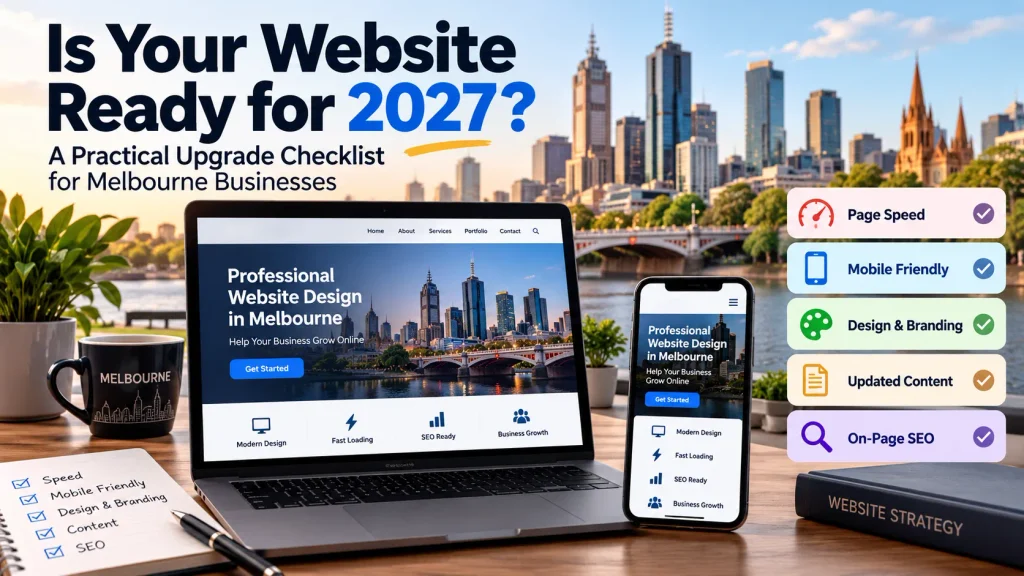
This checklist covers ten areas to review before the new year. It is written for business owners who want a clear view of where their site stands. Each point explains what to check and what to do about it, so your next steps in website design in Melbourne are based on facts about your own site.
1. Check Your Page Speed
Visitors leave when a page takes too long to load. Aim for a load time of about three seconds or less on mobile. Test your home page and your busiest service page with a free tool such as Google PageSpeed Insights. The most common causes of slow pages are oversized images, too many plugins, and low-cost hosting. Compress large photos first, as this is a quick fix with a big effect.
2. Test Your Website on a Phone
Many Australians browse on their phones, so test your site on one. Open the menu, read a full page without zooming, and try to call your business from the contact page. For example, a cafe owner might find the booking button sits far down the page on a small screen, so most visitors never see it. Fix anything that takes extra effort.
3. Refresh Your Design and Branding
Layouts age quickly. Check that your logo, colors, and fonts are the same on every page and match your signage, social media, and printed material. Look for crowded sections, small text and low-quality photos. A tradie website filled with generic stock images feels less trustworthy than one that shows the team and their actual projects.
4. Correct Outdated Content
Read every page as if you were a new customer. Check prices, opening hours, service lists, staff names, and phone numbers. A business that moved premises two years ago but still shows the old address will frustrate visitors trying to find it. Remove pages for services you no longer offer and add pages for the ones you have started.
5. Review Your On-Page SEO
Each page needs its own title, meta description, and one main heading that describes the content. The meta description does not set your ranking, but it influences whether people click your result. Add the suburbs you serve to your service pages where it reads naturally. Then scan for broken links, since they frustrate visitors and make it harder for search engines to crawl your site.
6. Strengthen Website Security
Your web address should start with https, and your browser should not show a “Not secure” warning. Update your content management system, themes, and plugins regularly, because outdated software is a common way for attackers to gain access. Use strong, unique passwords, and remove former staff accounts. Keep backups stored away from the website itself, and test restoring one at least once so you know it works.
7. Check Website Accessibility
An accessible site can be used by people with vision, hearing, or mobility needs. Add descriptive text to images, use strong color contrast, and make sure every link and button works with a keyboard. Free tools like WAVE can flag common problems in minutes. Treat the results as a starting list, since automated tools do not catch every issue.
8. Make Your Calls to Action and Forms Work
Every page should point to one clear next step, such as calling, booking, or requesting a quote. Use plain button wording like Get a Quote instead of Submit, and keep forms to the fields you need. Then send a test inquiry and confirm it arrives. For example, a plumber might discover that quote requests have been going to an old email address for months.
9. Set Up Useful Analytics
Analytics shows what visitors do on your site. Confirm that it records form submissions and phone clicks, not only page views. Then review which pages bring the most visitors, which pages people leave quickly, and which sources send inquiries. Check these figures each quarter. If your analytics or forms collect personal data, make sure your privacy policy explains this.
10. Decide Whether to Update or Rebuild
Review the problems you found. A few small issues usually need only a targeted update. A site that is slow, hard to edit, poor on mobile and built on old software is often better rebuilt than repaired. A rebuild costs more upfront, but repeated patches on an outdated site can cost more over time. Talk to a Melbourne-based team that understands website design before you decide.
11. Plan Your Upgrade in Stages
You do not need to fix everything at once. Sort your findings into three groups: urgent items such as security and broken forms, important items such as speed and mobile layout, and longer-term items such as design and new content. Assign a budget and a date to each group. Starting early gives you time to finish before your busiest period.
Need Help With Your Website Review?
If your checklist turned up more issues than expected, the team at Make My Website can help. We provide website design in Melbourne for local businesses, from reviewing an existing site to building a new one. Contact us to discuss the next steps for your site in 2027.
Also, Read: ServSafe Practice Test
